
What is AetherSX2?
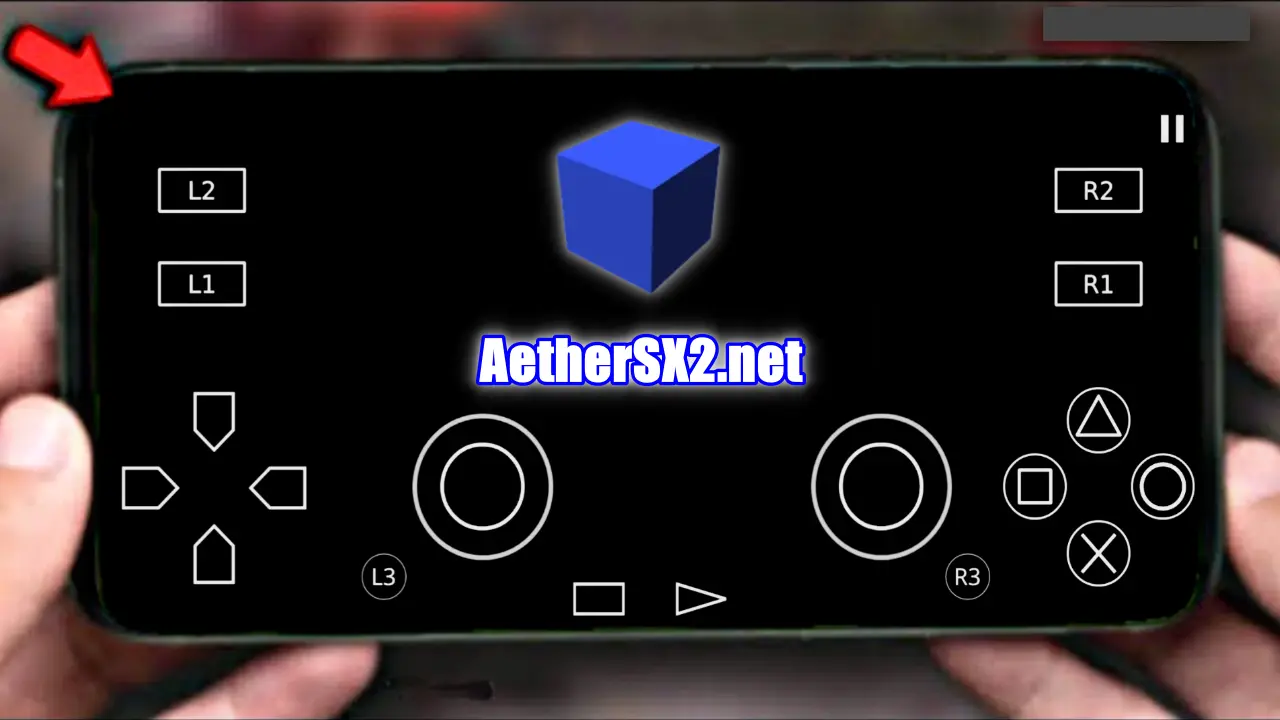
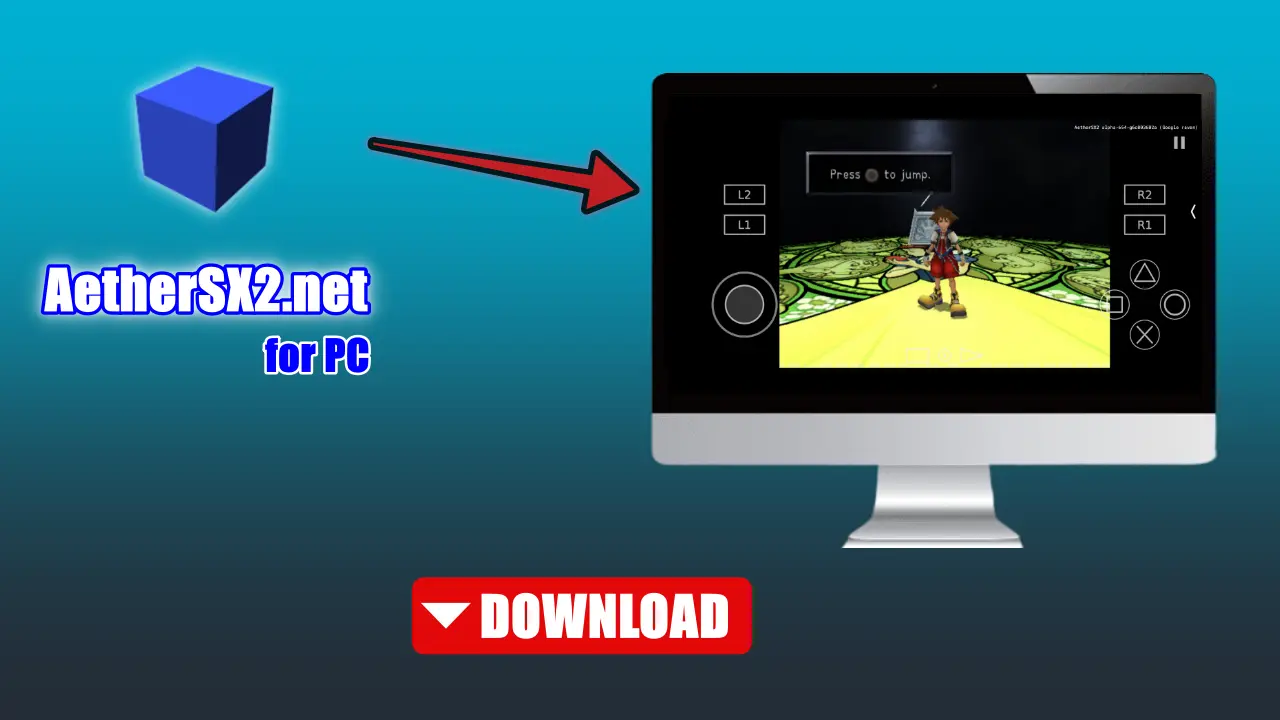
AetherSX2 is a PlayStation 2 emulator built natively for Android devices. It is a port derived from the open-source PCSX2 emulator, rewritten and optimized for ARM-based processors commonly found in Android smartphones and tablets.
Unlike older PS2 emulation attempts on mobile — which were sluggish, buggy, or required a rooted device — AetherSX2 delivered near-native performance on mid-range and flagship Android devices through a combination of:
- – Recompiled ARM64 dynarec (dynamic recompiler) engine
- – Vulkan and OpenGL ES rendering backends
- – Hardware-accelerated upscaling up to 4x native resolution
- – Low-latency audio pipeline tuned for mobile SoCs
Released in late 2021 by developer Tahlreth, AetherSX2 quickly became one of the most downloaded emulators on the Google Play Store, earning millions of installs within its first year.
Benefits of AetherSX2 for iOS, Android, Windows, Linux users
AetherSX2 is a popular choice among video game players in 2023. This is because of its unique features that allow the Windows PC, LINUX, MAC, IOS, and Android users to get benefits. If you want high compatibility from your PS2 console, then it can be the right choice. It is compatible with different kinds of video games from your PS consoles like Game Boy Advance, PlayStation, Nintendo, etc.
High Compatibility
The PS2 Emulator is highly compatible with Android, Windows, and Linux. It is compatible with iOS users also with a 2 GHz processor, iOS 9.0.
High Performance
Getting high performance on your PS console. This application is specially optimized to give a high performance, where you can enjoy the game in a better way, even on low-end mobile devices.
CHD compression
The adoption of CHD format is making game libraries more manageable on mobile storage. it significantly reduces the footprint of disc-based games (like PS1, PS2, PSP, and Sega Saturn)
How to Set Up AetherSX2: Step-by-Step
Step 1: Obtain the BIOS
Get Bios file from – aethersx2-for-android/ page. Once extracted, copy the .bin file to your Android device’s internal storage.
Step 2: Install AetherSX2
Get AetherSX2 Apk file for android, mac, windows from this site.
Step 3: First Launch & BIOS Setup
- Open AetherSX2.
- Tap Next through the welcome screen.
- When prompted for the BIOS directory, navigate to where you stored your
.binfile. - AetherSX2 will detect and verify the BIOS automatically.
- Set your preferred language and time zone (some games read this from the BIOS).
Step 4: Add Your Game Library
- Go to Settings → Add Game Directory.
- Navigate to the folder containing your PS2 ISO or CHD files.
- AetherSX2 will scan and display game cover art (downloaded automatically).
The Technology Behind AetherSX2
Understanding why AetherSX2 works so well requires a brief look under the hood.
Dynamic Recompilation (Dynarec)
The PS2’s Emotion Engine CPU is based on the MIPS R5900 architecture — very different from the ARM processors inside Android phones. AetherSX2 uses a just-in-time (JIT) recompiler to translate MIPS instructions into ARM64 instructions in real time, dramatically reducing overhead compared to software interpretation.
This is the single biggest reason AetherSX2 runs games at 60 fps on phones that would have struggled with even basic 3D emulation a few years ago.
Rendering: Vulkan vs. OpenGL ES
AetherSX2 supports two rendering backends:
| Feature | Vulkan | OpenGL ES |
|---|---|---|
| Performance | Higher | Moderate |
| Compatibility | Newer devices | Broad support |
| Shader compilation | Async (less stutters) | Synchronous |
| Recommended for | Snapdragon 8xx / Dimensity 9000+ | Older or budget SoCs |
For most modern flagship devices, Vulkan is the preferred backend and delivers significantly smoother gameplay, especially in titles with complex shader effects.
Upscaling and Widescreen
AetherSX2 supports internal resolution upscaling from native (480i/480p) up to 4× native (roughly 1920×1440), making classic PS2 games look sharper than they ever did on the original hardware or even on modern HDTV upscalers.
Combined with widescreen patches, many games can be rendered in 16:9 format natively — a feature even the original PlayStation 3 backward compatibility mode didn’t always offer.
-
AetherSX2 Bios For Android Apk
File Name AetherSX2 Bios + Apk Version Latest Genre Emulator Size 4MB Publisher Tahlreth Latest Update 5 days ago Released Date 21 April 2023 Requirements Android Available Languages English, Portuguese, Italian, Spanish ..more Installing AetherSX2 BIOS is an essential step…
-
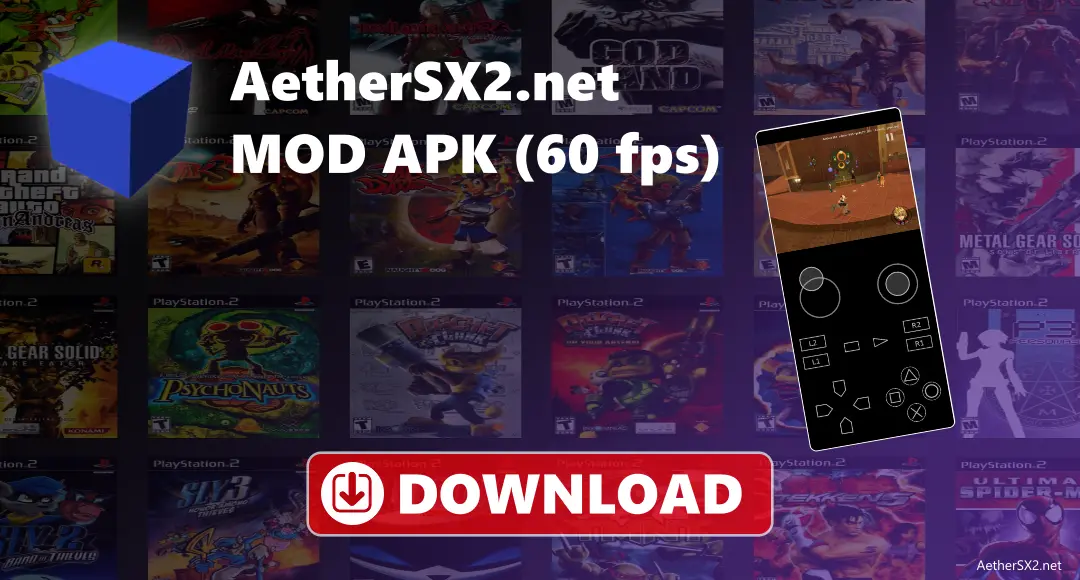
AetherSX2 MOD APK v1.5-4248 (60 fps)
AetherSX2 is an Android emulator that allows you to play PlayStation 2 games on your Android device. It provides you with good graphics quality, provides sharper details, adds widescreen support, saves your game, and uses both touch controls and Bluetooth…
-
AetherSX2 UWP (Xbox)
Name Authersx2 Category Emulators Author Tahlreth Operating System iOS, Android, Bios Apk, Mac, pc, Linux, Xbox Language English and 45 more Download 28,966 Rating 4 Xbox is a gaming platform where you can play high-definition games. It was launched on…
-
Download AetherSX2 For iPhone/iPad (ios)
Name aethersx2.net-emulator-iphoneupdate.ipa Size 11.7 MB Download count 15,755 Version Latest Last Updated 5 Days ago Download AetherSX2 for iPhone Introduction Are you a gamer who wishes to play old console games on your iPhone? If so, you’re in luck! AetherSX2…
-
Download AetherSX2 For Linux
Name AetherSX2.net-v1.5-linux-3606.AppImage Size 31 MB Download count 15,755 Version Latest Last Updated 5 Days ago Download AetherSX2 Emulator for Linux With this powerful emulator, you can enjoy your favorite PS2 games right on your Linux pc. So let’s dive in!…
-
Download AetherSX2 For Macs
Name AetherSX2.net-v1.5-3939-mac Size 17.5 MB Download count 15,755 Version Latest Last Updated 5 Days ago Download AetherSX2 For Mac AetherSX2 is a powerful and feature-rich emulator that enables PlayStation 2 (PS2) games for Mac users to be played on their…
-
Download AetherSX2 For Windows
Name AetherSX2.net-v1.5-3307-window64 Size 16.7 MB Download count 15,755 Version Latest Last Updated 5 Days ago Aethersx2 PS2 Emulator for Windows Aethersx2 PS2 Emulator comes packed with a range of features that enhance your gaming experience and make it easier to…
-

Conclusion
AetherSX2 is an excellent PlayStation 2 emulator for all devices, providing users with a seamless gaming experience. Users can install game ROMs, customize the emulator’s controls, and use codes in their games. However, users must be aware of the emulator’s limitations and drawbacks with Aether SX2, All users can enjoy their favorite PS2 games on their mobile devices.
Operating System: Windows 10, Windows 11, Windows 8, Windows 7, Mac, Linux, Xbox, Android and iOS